
Spreadsheets are not the problem
A spreadsheet can be the right tool for a simple tracker, calculation, analysis, or temporary workflow. The problem starts when the spreadsheet becomes the operating system for work it was never designed to control.
The goal is not to replace every spreadsheet. It is to recognize when the business has added enough people, volume, rules, and handoffs that a more structured system would reduce risk and manual effort.
Sign 1: multiple people maintain different versions
If the team regularly asks which file is current, copies tabs for different departments, or reconciles several versions before making a decision, the process no longer has a dependable source of truth.
Sign 2: the spreadsheet needs constant manual follow-up
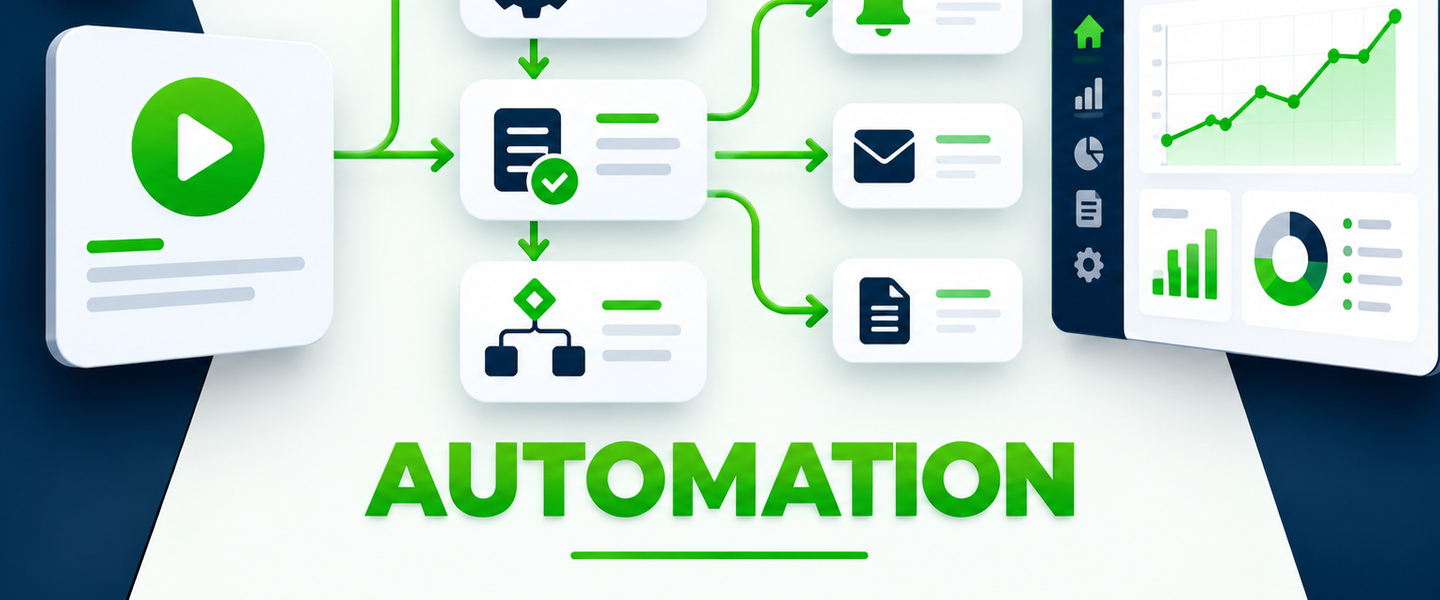
A tracker may show that something is overdue, but it does not help if a manager still has to remember to check the file, message the owner, update the status, and repeat the process every day. A system can make reminders, escalation, and ownership part of the workflow.
Sign 3: formulas and structure are becoming fragile
When one deleted column can break reporting, users avoid touching parts of the file because only one person understands the formulas, or the workbook takes longer and longer to load, the tool has become difficult to maintain safely.
Sign 4: permissions matter
Many workflows eventually contain information that should not be visible or editable by everyone. If the business needs role-based access, controlled approvals, or a reliable audit history, a structured application or database is often a better fit.
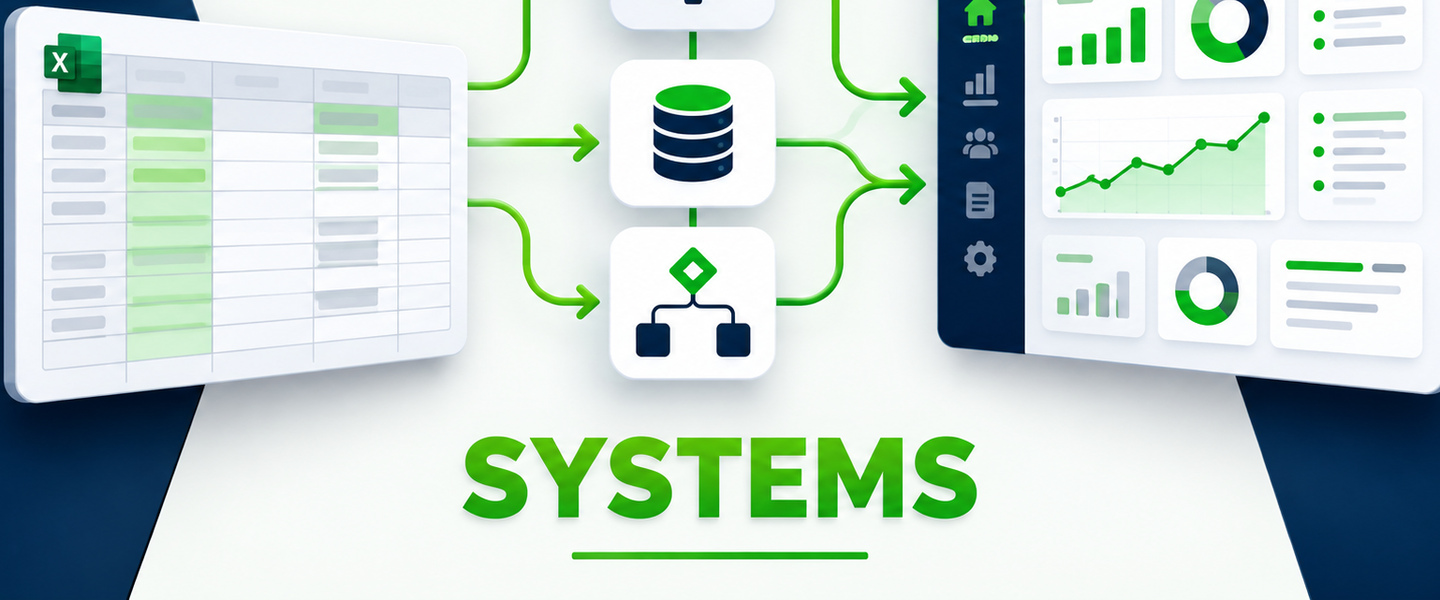
Sign 5: data has to move between several tools
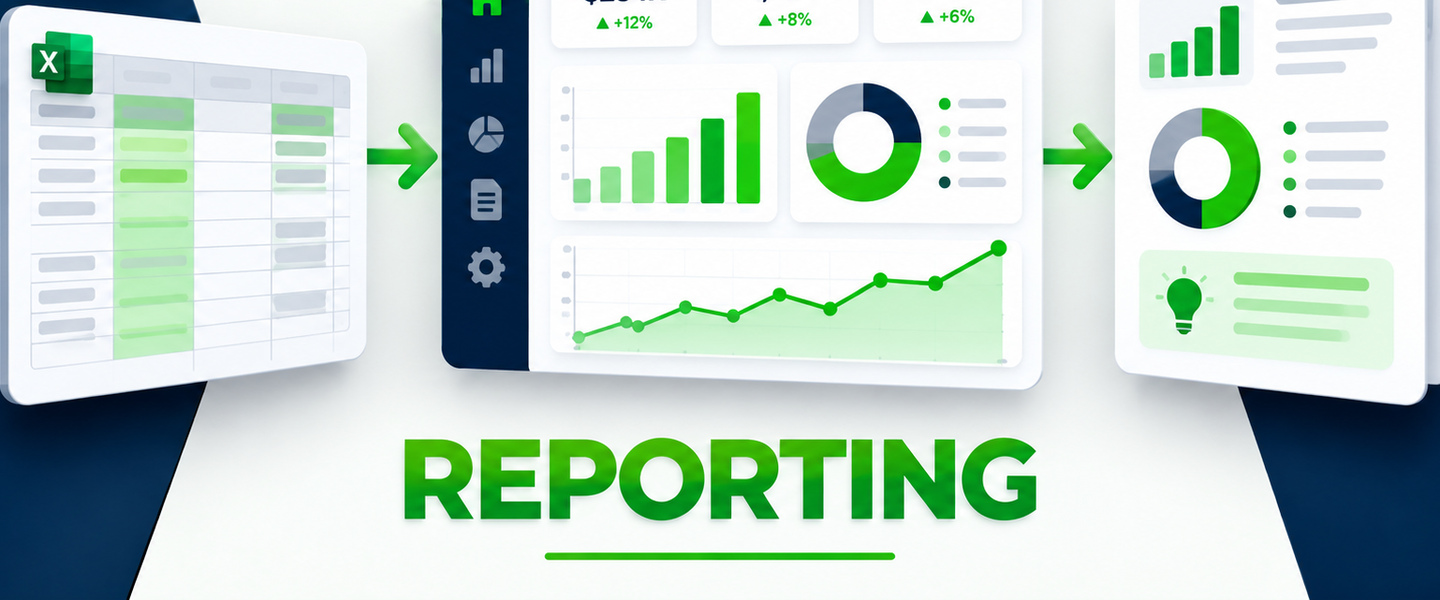
Repeatedly copying information from a form to a spreadsheet, from the spreadsheet to an email, and then into a report is a strong signal that the pieces should be connected. Integration and automation can reduce re-entry and the errors that come with it.
Sign 6: the file is being asked to manage a workflow
A spreadsheet stores rows. A workflow has stages, owners, rules, exceptions, approvals, due dates, notifications, and completion criteria. Once those workflow needs dominate the design, a dedicated system usually becomes easier to use and easier to govern.
If one or two people use a clear file, the data is stable, there are few handoffs, and the spreadsheet is easy to maintain, it may still be exactly the right solution.
What the next system should preserve
When a spreadsheet does need to evolve, keep the good parts. Preserve the useful fields, definitions, calculations, filters, and reports people already rely on. Then add the capabilities the spreadsheet could not provide: structured intake, permissions, workflow states, automation, history, and connected reporting.