A system is more than software
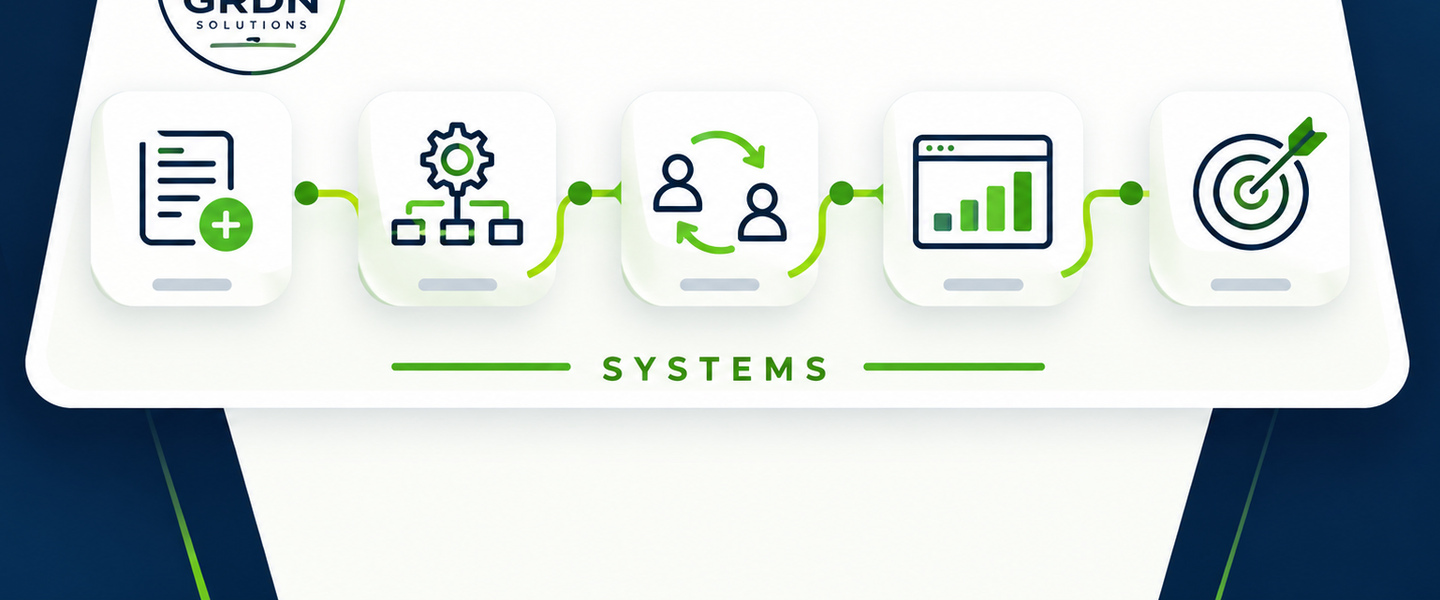
A business system is the full structure used to move work from a trigger to a completed outcome. Software may be part of it, but the system also includes the people, rules, data, handoffs, controls, and visibility that make the workflow reliable.
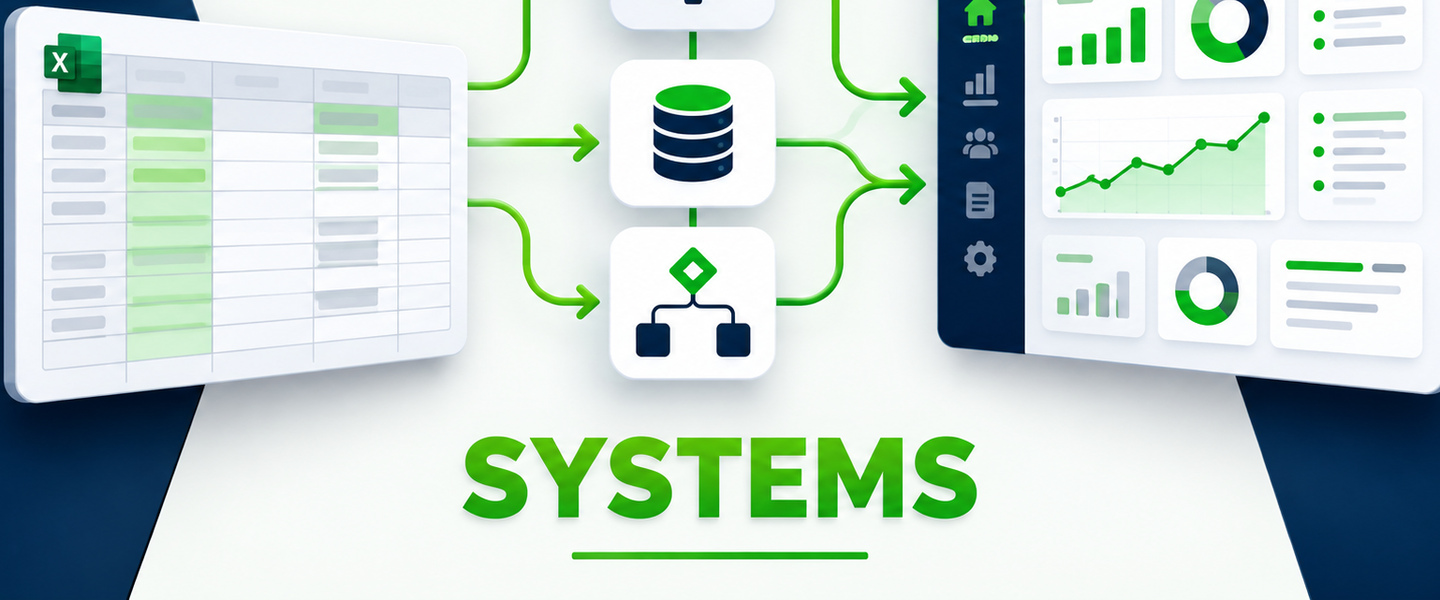
That distinction matters because buying a tool does not automatically create a working system. A business can have excellent software and still rely on side spreadsheets, private notes, inbox reminders, and one manager who knows what is really happening.
Start with a clear trigger and a clear finish
Every useful system should answer two basic questions: what starts the work, and what does complete mean? A sales follow-up system may start when a lead is qualified and end when the opportunity is closed or formally declined. An upsell system may start when a purchase creates an additional sales opportunity and end when the customer accepts, declines, or the opportunity expires.
Clear boundaries prevent the system from becoming a dumping ground for unrelated tasks.
Capture the right information once
Strong systems reduce duplicate entry. The information needed to run the workflow should be collected at the earliest practical point, validated where possible, and reused throughout the process. If employees keep retyping the same customer, order, job, or request information in multiple places, the system is creating work instead of removing it.
Make ownership and status obvious
At any moment, someone should be able to answer: Who owns this? What stage is it in? What is waiting? What is overdue? What happens next? A well-designed system makes those answers visible without requiring a meeting or a chain of messages.
The goal is not to remove people from the process. The goal is to make the process understandable and transferable so the right person can step in with the context they need.
Build rules for the normal path and the exceptions
Most workflows have a standard path and a smaller set of exceptions. A system should make the standard path easy while giving exceptions a defined route. That may include approval rules, escalation steps, required notes, hold statuses, or a manual review queue.
Trying to automate every unusual situation usually creates unnecessary complexity. It is often better to automate the predictable work and route the true exceptions to a person.
Connect the output to reporting
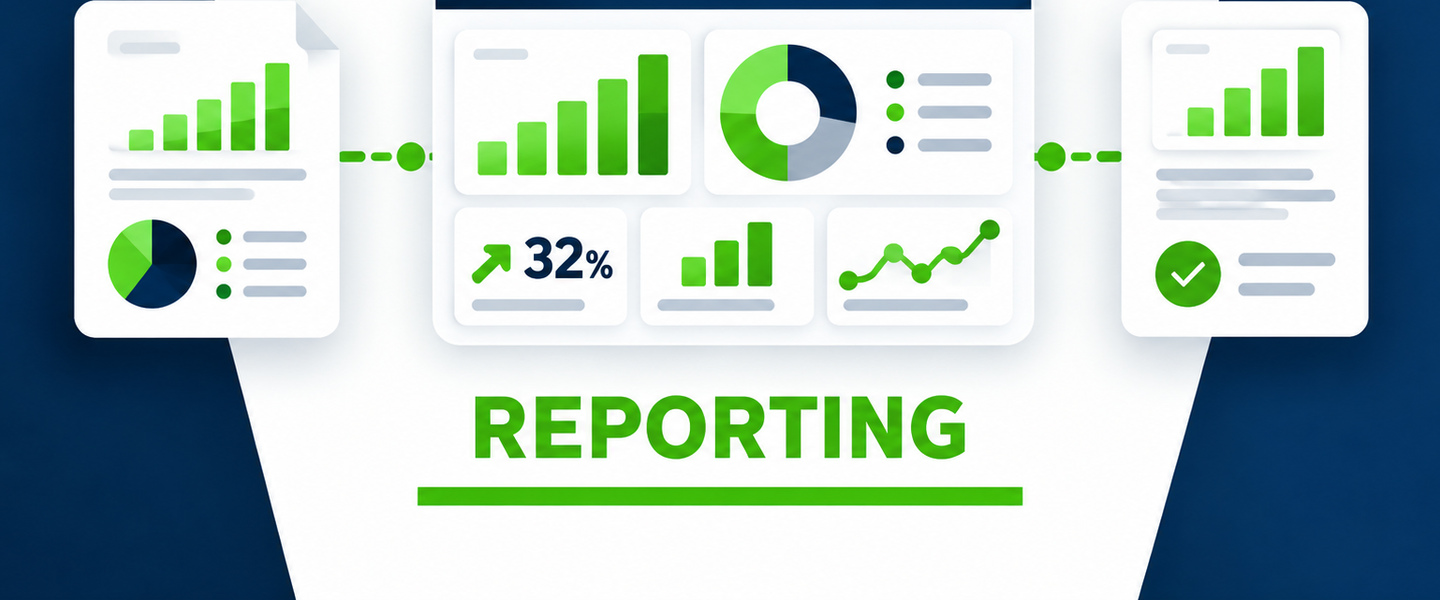
A working system should produce useful information as a byproduct of doing the work. If leadership needs to know volume, conversion, cycle time, backlog, exceptions, or performance by owner, those fields should be designed into the workflow instead of reconstructed later from disconnected files.
Design for the people who will actually use it
The best system is not the one with the most features. It is the one employees can understand, managers can trust, and the business can maintain. Screens should be focused, required fields should have a reason, and the workflow should match how the business really operates.
A practical checklist for a custom system
- A clear trigger and completion point
- One reliable place for the core record
- Visible ownership, status, and next step
- Rules for approvals, handoffs, and exceptions
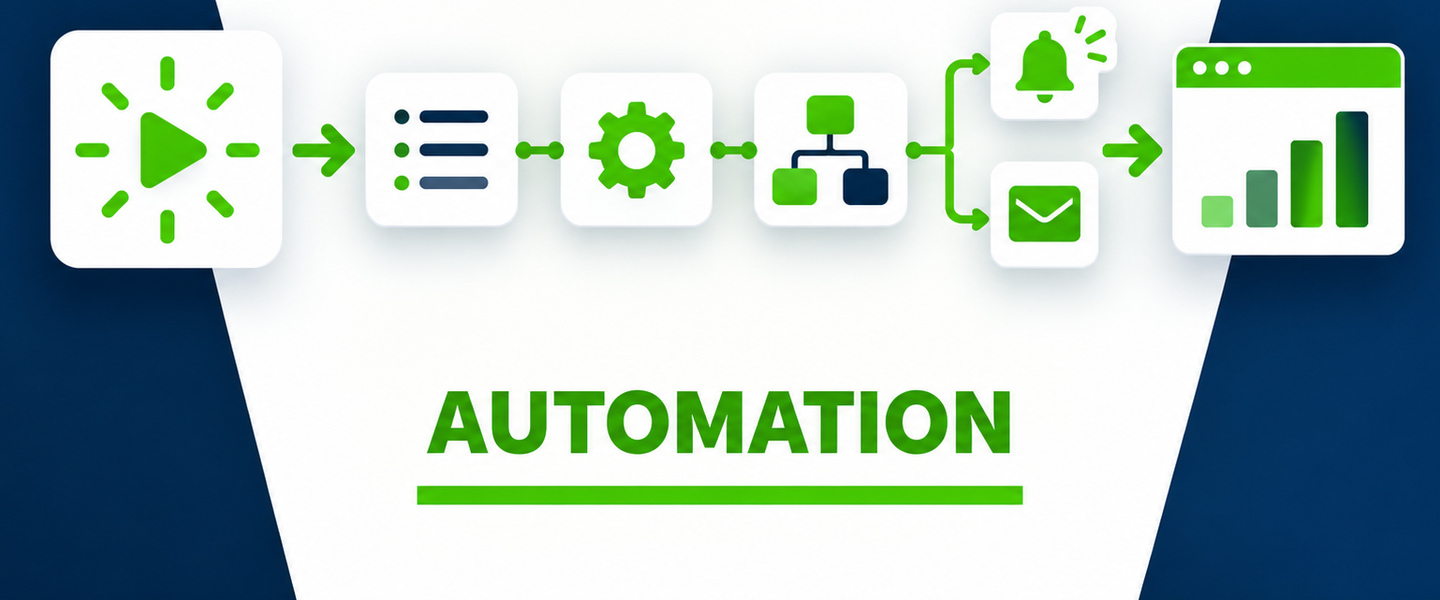
- Automation for repetitive steps where it adds value
- Reporting fields built into the workflow
- Permissions appropriate to the information
- A clear owner for maintaining the system